MaxPowerGrade
One Workflow. One System. Lifetime Skill.
*Built exclusively for the DaVinci Resolve*

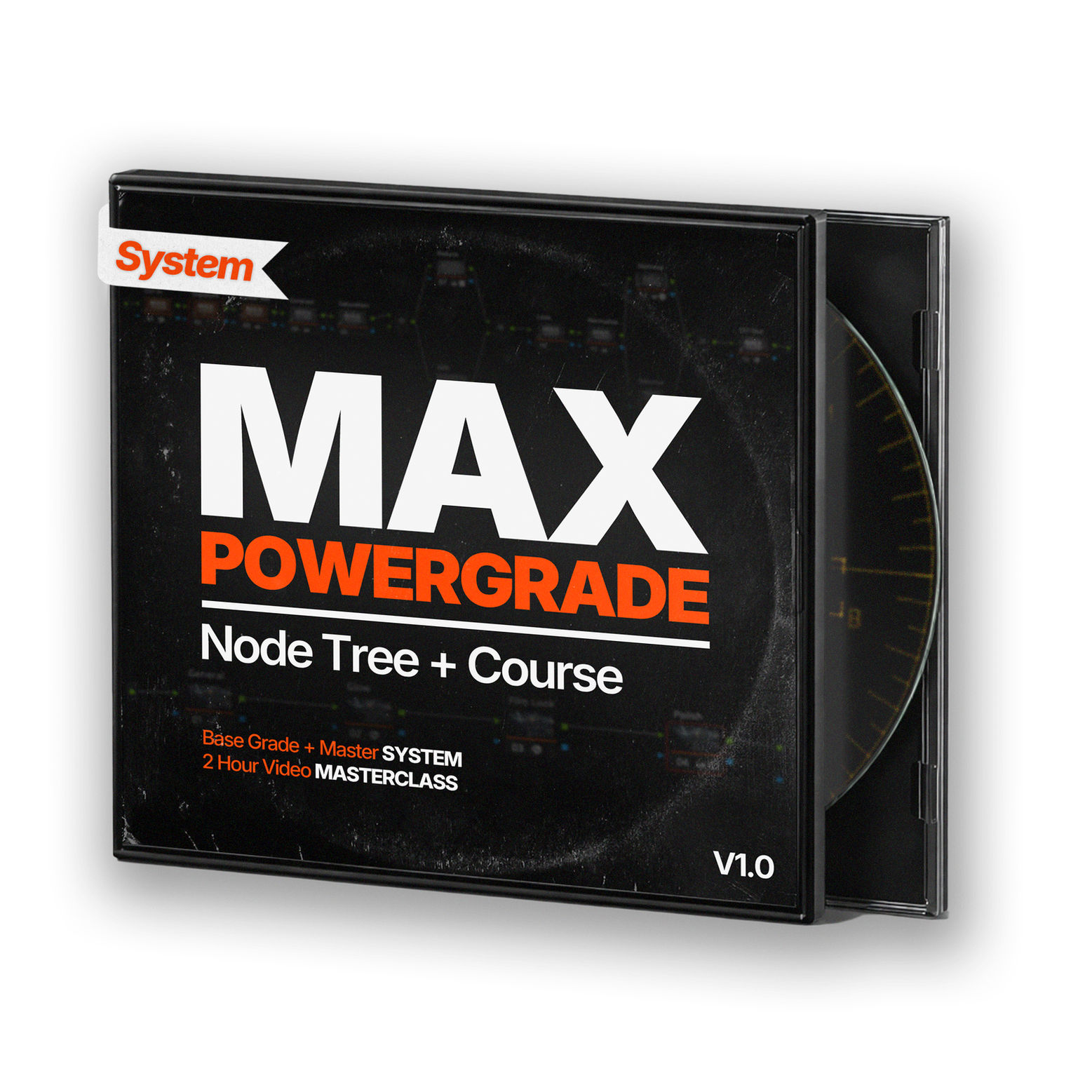
2 Hour Video Course
Example Footage
Power Grade
What is MaxPowerGrade?
THIS IS NOT:
❌ A LUT pack
❌ A one-click miracle
❌ A generic Power Grade
❌A subscription
THIS IS:
✅ Complete DaVinci Color Page Workflow
✅ A professional prebuilt node structure
✅ A repeatable system you apply everywhere
✅ 1 lifetime payment
What You Actually Get
A complete color grading system — not just a course.
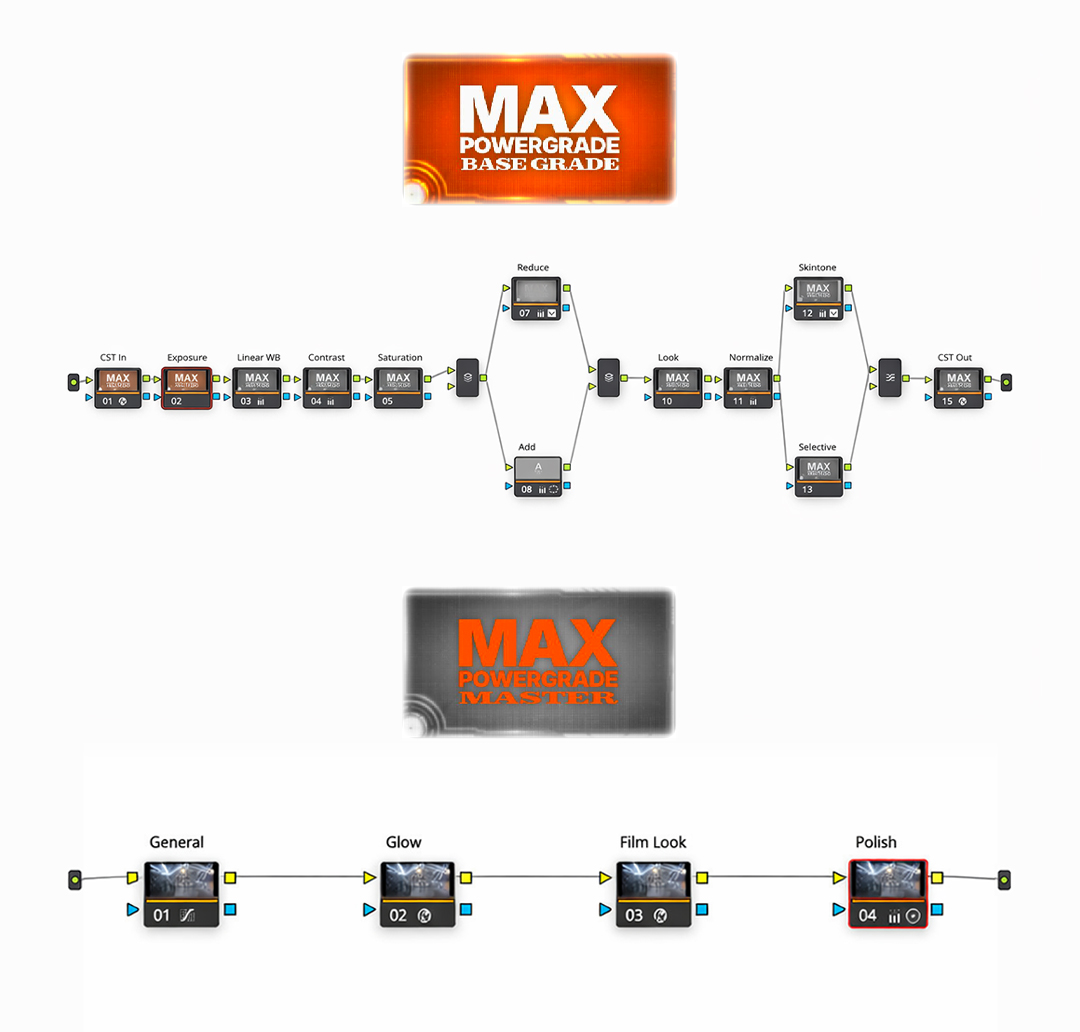
TWO STEP POWERGRADE
A clean Base Grade + Master node structure
built to be reused on every DaVinci Resolve project.
PRIVATE COURSE ACCESS
Step-by-step lessons explaining every node, every adjustment and decision.
Absolutely everything you need to know for the rest of your life.
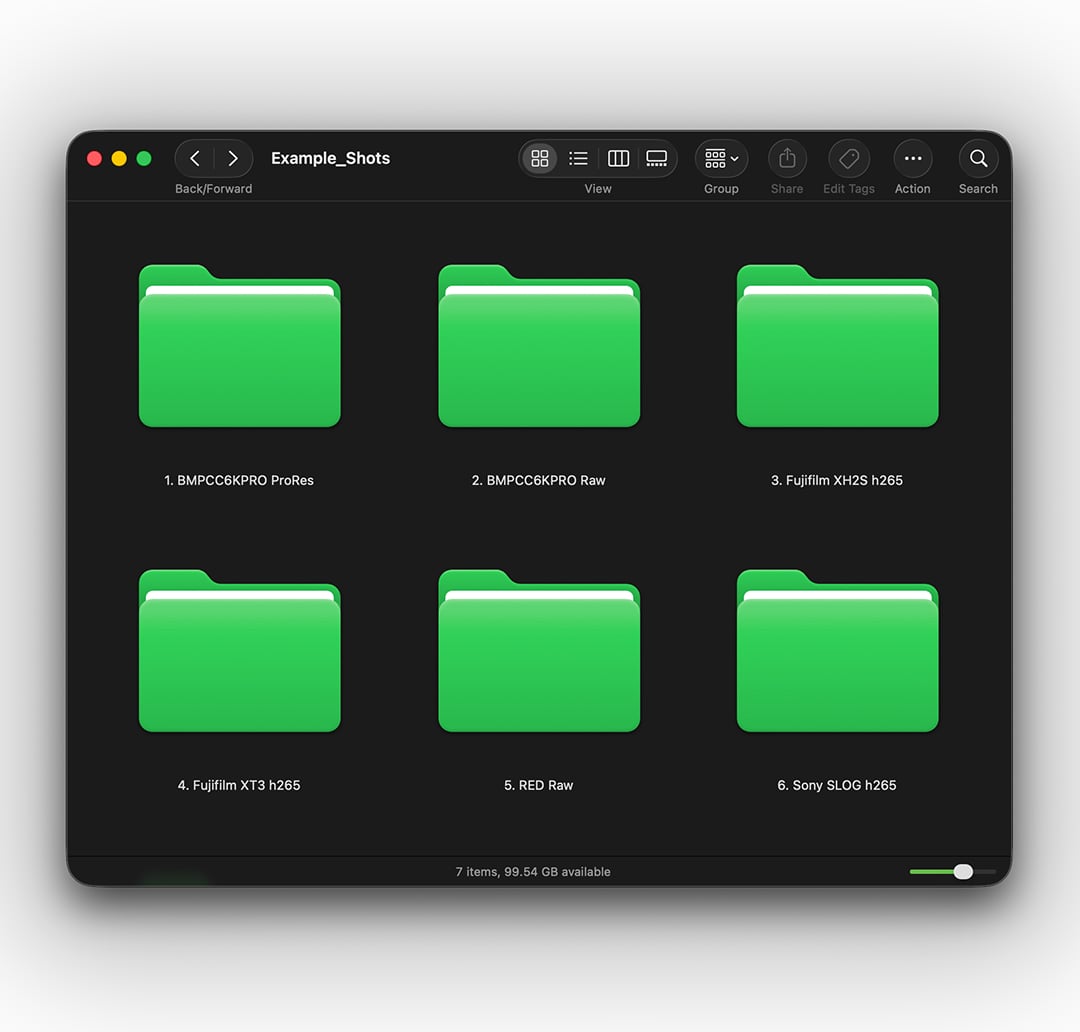
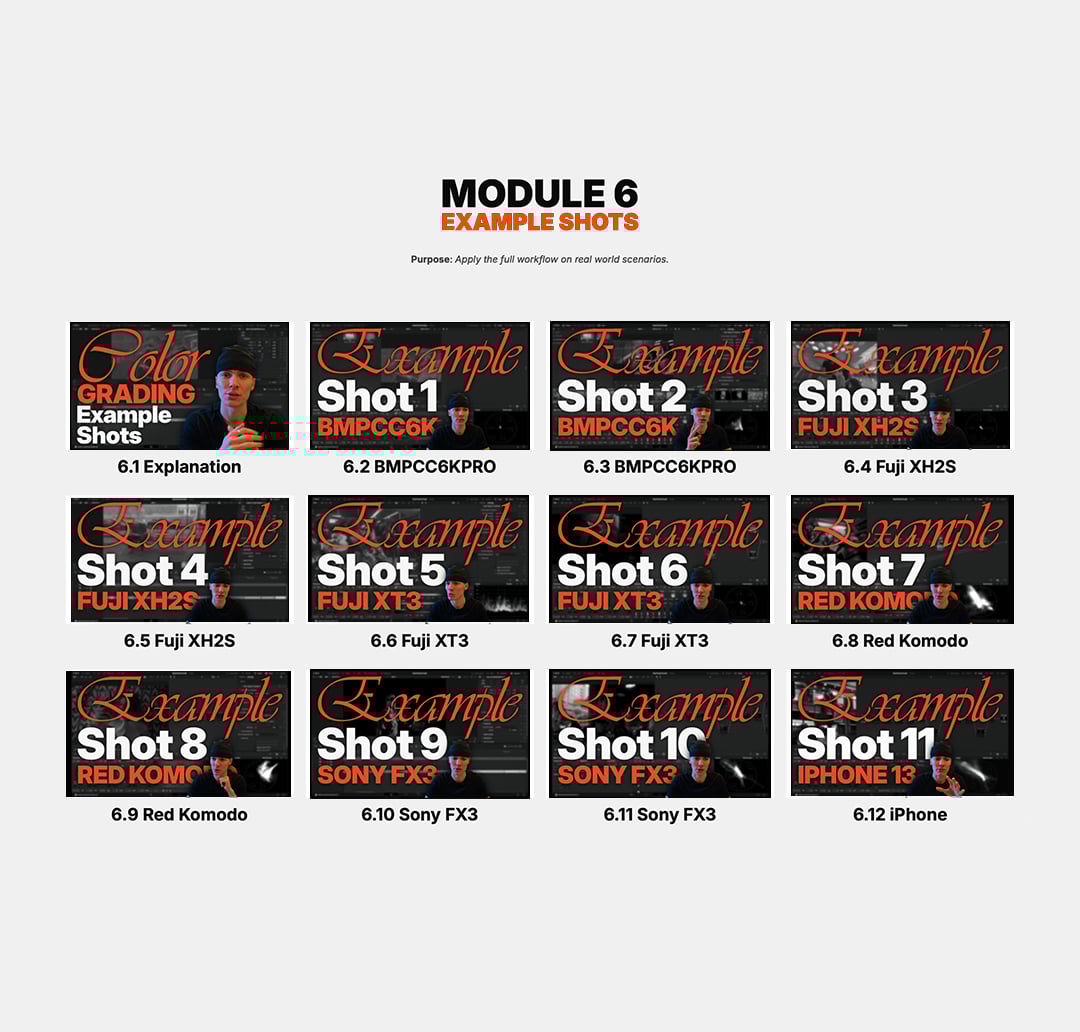
FREE EXAMPLE SHOTS
The best way of improving.
Practice the full workflow on real footage
from multiple cameras
(Blackmagic, Sony, RED, Fuji, iPhone).
What's inside the COURSE?
Learn the logic behind every decision, not just where to click.
Understand how the MPG system works, how to use it correctly,
and how to approach color grading inside DaVinci Resolve without confusion.
Learn the DaVinci Resolve Color Page layout, shortcuts, nodes, tools, masking, scopes,
and how everything connects before touching any creative grading.
Color management, mindset, workflow logic, and the two-bucket system.
This is where everything starts to make sense technically and mentally.
Build a clean, neutral, and professional base grade using a repeatable node structure:
Exposure, white balance, contrast, saturation, windows, skin tones, and normalization.
Add polish and character on top of the base grade using an adjustment layer:
Glow, film look tools, finishing passes, and final consistency checks.
Speed, efficiency, and problem-solving inside Resolve:
Noise reduction, compound nodes, copy/paste logic, and fast grading workflows.
Apply the full workflow on real footage from multiple cameras
(Blackmagic, Sony, RED, Fuji, iPhone) and see how the system adapts.
Final guidance, next steps, updates, and how to lock this workflow into your brain so you stop jumping between methods forever.
Everything is built exclusively for DaVinci Resolve.
Not compatible with Premiere Pro or Final Cut.
Confused?
Don't worry, I got you. Here are some answers for your questions.
No.
This course is built to take you from confusion to clarity inside the DaVinci Resolve Color Page.
If you already edit videos and know the basics of Resolve, you’re good to go.
No.
MAXPOWERGRADE is 100% built for DaVinci Resolve and its Color Page.
The workflow, node system, and tools do not translate to Premiere or Final Cut.
Strongly recommended.
Some parts of the workflow rely on Studio features that save time and improve results.
Resolve Studio is a one-time purchase - not a subscription.
No.
This is not a look or a magic preset.
You get a clean, professional node structure and a full explanation of what every step does — so you can build consistent grades on any project.
Yes.
You’ll receive a private, non-accredited certificate of completion for finishing the MAXPOWERGRADE system.
That depends on how much you actually apply the system.
If you follow the workflow and practice with the provided example shots, you can fully understand and use the MaxPowerGrade system within a week. Mastery isn’t about time — it’s about repetition and clarity. This removes the guessing so progress is fast.
If it’s not for you or you think it's not worth the money, just reach out within 7 days of purchase.
No forms, no excuses. I’ll give you a 100% refund, no questions asked. I stand behind the system completely.
© 2026 MaxPowerGrade. All rights reserved.
Need help? CONTACT: max@maksymgladysh.com